DMARC for Healthcare: HIPAA Compliance
How healthcare organizations can implement DMARC while meeting HIPAA requirements. Covers the Security Rule, vendor coordination, and the path to enforcement.
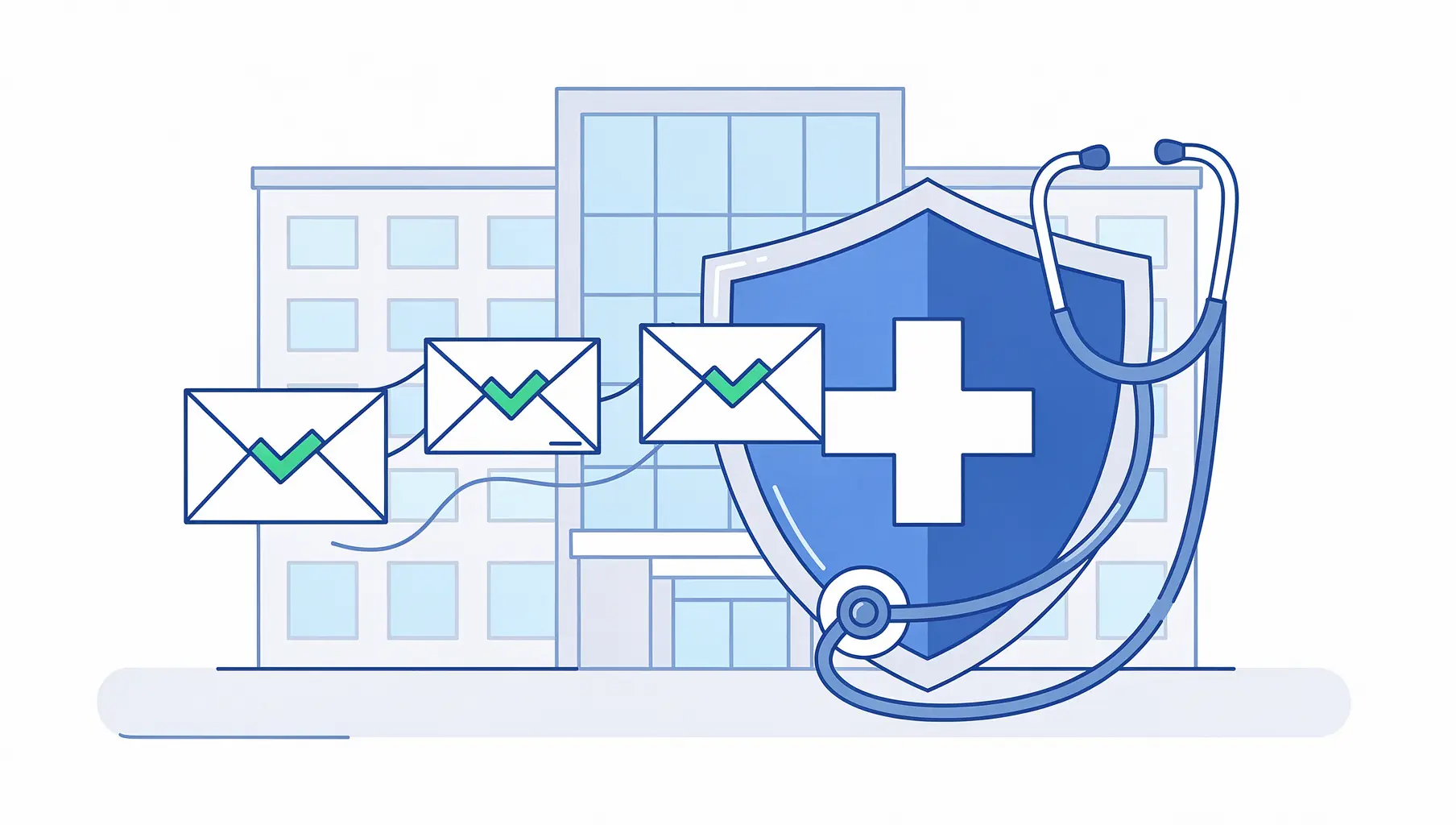
Healthcare is the most targeted industry for email-based attacks. In 2025, 170 email-related HIPAA breaches affected over 2.5 million people. The average healthcare data breach costs $9.8 million. And email remains the primary way attackers get in. DMARC is one of the most effective technical safeguards you can implement to protect patient data, reduce phishing risk, and demonstrate compliance with the HIPAA Security Rule. This guide walks through why it matters, what the regulations require, and how to get from monitoring to enforcement without breaking your email infrastructure.
The Email Problem in Healthcare
Here is a number that should concern every healthcare IT leader: 88% of healthcare employees opened phishing emails in 2024. Not clicked a link. Opened the email.
Healthcare remains the most expensive industry for data breaches. The average cost in 2024 was $9.8 million per incident, more than double the cross-industry average. Email is consistently the primary attack vector. 92% of healthcare organizations reported being targeted by cyberattacks in 2024, and phishing accounts for the most common entry point.
A Paubox report analyzing 180 healthcare email breaches between January 2024 and January 2025 found that only 1.1% of analyzed healthcare organizations had a low-risk email security posture. That means nearly 99% have meaningful gaps.
HIPAA fines for email security failures have exceeded $9 million in individual cases. Solara Medical Supplies paid $9.76 million after a phishing breach affecting 114,000 patient records. L.A. Care was fined $1.3 million for systemic security lapses.
The HHS Office for Civil Rights is not slowing down. As OCR Director Melanie Fontes Rainer said, regulated entities need to be proactive about compliance, not wait for OCR to find the problems.
DMARC does not solve every email security challenge. But it addresses one of the most fundamental ones: preventing attackers from sending emails that impersonate your domain.
What HIPAA Actually Requires for Email Security
HIPAA does not mention DMARC by name. The regulation was written before these protocols existed. But the requirements it lays out map directly to what DMARC provides.
The HIPAA Security Rule (45 CFR Part 164) requires covered entities and business associates to implement administrative, physical, and technical safeguards. For email security, the technical safeguards are most relevant.
Access Controls (§164.312(a))
The Security Rule requires mechanisms to control who can access electronic protected health information. For email, this means ensuring only authorized systems can send as your domain. SPF records define which servers are authorized. DKIM adds cryptographic signatures verifying message integrity. DMARC ties them together and tells receiving servers what to do when authentication fails.
Audit Controls (§164.312(b))
You need to record and examine activity in systems that contain or use ePHI. DMARC aggregate reports provide exactly this for email. They show every server sending as your domain, whether messages pass or fail authentication, and how receiving servers handle them. This is audit trail data that most healthcare organizations are not collecting today. For a walkthrough on interpreting these reports, see How to Read DMARC XML Reports.
Transmission Security (§164.312(e))
The Security Rule requires technical security measures to guard against unauthorized access to ePHI transmitted over a network. While this is often interpreted as encryption (TLS, S/MIME), DMARC addresses a different but equally important dimension: ensuring that the messages your patients and partners receive actually came from you.
The “Addressable” Question
Healthcare IT teams sometimes hesitate because the Security Rule uses “addressable” for certain specifications. This does not mean optional. It means you must implement the specification or document why an equivalent alternative is reasonable and appropriate. Given that DMARC is free to implement at the monitoring level and is now a baseline email security practice, it would be difficult to justify not implementing it in a risk assessment.
The Proposed Security Rule Update
HHS published a proposed update to the HIPAA Security Rule in January 2025. While not yet finalized (updates expected around May 2026), the proposal moves toward more explicit, measurable cybersecurity requirements. Healthcare organizations should treat these proposed changes as a roadmap and strengthen email authentication now. Healthcare organizations that send more than 5,000 emails per day must also meet Google and Yahoo’s sender requirements.
Why Healthcare Email Is Uniquely Complex
Implementing DMARC in a hospital or health system is harder than in most industries. Not because the technology is different, but because the email ecosystem is more fragmented.
A typical healthcare organization sends email from dozens of sources:
Clinical systems like EHR platforms (Epic, Cerner, Meditech) send appointment reminders, lab results, and clinical notifications. These systems often use their own mail servers or relay through third-party services.
Patient communication platforms handle secure messaging, portal notifications, and patient engagement campaigns. Many send as your domain.
Billing and revenue cycle systems send statements, insurance correspondence, and payment notifications. These frequently use specialized vendors with their own email infrastructure.
HR, marketing, and administrative tools cover internal communications to community health outreach. Each SaaS platform that sends as your domain needs to be accounted for.
Third-party partners including labs, pharmacies, and referring providers may send email that appears to come from your organization.
This complexity is exactly why so many healthcare organizations get stuck at p=none. They publish a DMARC record, start receiving reports, see dozens of unexpected sending sources, and freeze. The gap between “we can see the problem” and “we have coordinated with every vendor to fix it” is where most projects stall. For more on why this happens, see Why 95% of Domains Never Reach DMARC Enforcement.
For more on managing this process, see our guide on Managing Third-Party Email Senders.
A Healthcare-Specific Implementation Path
The path to enforcement follows the same general stages for every organization, but healthcare requires extra attention at certain points. For a detailed comparison of each policy level, see p=none vs p=quarantine vs p=reject.
Phase 1: Inventory and Monitor (Weeks 1-4)
Publish a DMARC record at p=none to start collecting reports without affecting email delivery:
v=DMARC1; p=none; rua=mailto:dmarc-reports@yourdomain.orgDuring this phase, you are answering one question: who is sending email as your domain? In healthcare, the answer is almost always more complicated than expected. You will likely discover sending sources you did not know about, including legacy systems, departmental tools set up years ago, and vendor platforms never properly authenticated.
Review your DMARC reports weekly. Categorize every sending source as authorized (should be sending as you), unauthorized (should not be), or unknown (needs investigation). For healthcare organizations, the “unknown” category tends to be large.
Phase 2: Authenticate Legitimate Senders (Weeks 4-12)
For each authorized sending source, configure SPF alignment, DKIM signing, or both.
EHR systems: Contact your EHR vendor for their DMARC alignment documentation. Major platforms like Epic and Cerner have published guidance on configuring SPF and DKIM. If your vendor cannot provide this, that conversation is worth having with your account representative.
Patient portals and secure messaging: These platforms typically support DKIM signing with your domain. Work with each vendor to enable it and verify alignment.
Billing platforms: Revenue cycle vendors often send high volumes. Prioritize these for DKIM configuration since SPF alone may not scale well across multiple billing vendors sharing IP ranges.
SaaS tools: Most modern platforms support custom DKIM. Check their documentation or contact support to set up domain-specific signing keys.
For each vendor, the process is: request their SPF include or DKIM public key, add the DNS records, verify alignment in your DMARC reports, and confirm messages are passing authentication.
This phase takes the longest because it requires coordination with external vendors. Some respond in days. Others take weeks.
If your organization is also subject to PCI DSS requirements (common for healthcare organizations that process payments), see our PCI DSS 4.0 Email Authentication Guide for overlapping compliance requirements.
Phase 3: Move to Quarantine (Weeks 12-16)
Once your legitimate senders consistently pass DMARC (aim for 95%+ pass rate), move to p=quarantine:
v=DMARC1; p=quarantine; pct=25; rua=mailto:dmarc-reports@yourdomain.orgStart with pct=25 and increase gradually. Monitor for legitimate email that starts failing. In healthcare, watch closely for patient-facing communications. A missed appointment reminder or lab result notification has real clinical impact.
Phase 4: Enforce with Reject (Weeks 16-24)
The destination is enforcement:
v=DMARC1; p=reject; rua=mailto:dmarc-reports@yourdomain.orgAt this point, anyone attempting to impersonate your domain will have those messages rejected before they reach the recipient. This is the level of protection that meaningfully reduces phishing risk for your patients, staff, and partners.
Documenting DMARC for HIPAA Compliance
HIPAA compliance is not just about implementing controls. It is about documenting them.
Risk Assessment: Include email spoofing and impersonation as identified risks. Document DMARC as the mitigation control. Reference your current policy level and timeline for reaching enforcement.
Security Policies and Procedures: Update email security policies to include DMARC, SPF, and DKIM requirements. Define who maintains DNS records and reviews reports.
Business Associate Agreements: Consider adding email authentication requirements to your BAAs. If a business associate sends email on your behalf, they should support DKIM signing aligned with your domain.
Incident Response Plan: DMARC reports serve as an early warning system for spoofing attacks. Document how your team should respond when reports show unauthorized sending activity.
Training Records: Include email authentication awareness in your security training. Staff should understand why emails from your domain are authenticated and what to do if they receive suspicious messages.
The Vendor Coordination Challenge
The hardest part of healthcare DMARC implementation is not the technology. It is getting vendors to make changes.
Healthcare organizations typically work with 20 to 50 third-party services that send email using their domain. Each needs to be contacted, provided with technical requirements, and tracked through remediation. Some are responsive. Others have never heard of DMARC.
This is where the process breaks down. Sending PDF reports back and forth, tracking status in spreadsheets, and following up manually is time-consuming and error-prone.
Shareable dashboards that give vendors direct visibility into their authentication status can accelerate this significantly. Instead of explaining what is failing in an email chain, you share a live view showing exactly what needs to be fixed. Vendors can check their own progress without waiting for your next report.
Verkh’s Apex feature provides shareable vendor dashboards with view tracking, so you know when a vendor has seen the data and can follow up accordingly. Learn more about Apex.
Getting Started
You do not need to solve everything at once. DMARC implementation is a process, and the first step is simply gaining visibility.
Publish a DMARC record at p=none. Start reviewing reports. Build your inventory of sending sources. Then work through them one by one.
Healthcare email security is genuinely difficult because of the number of systems and vendors involved. But the cost of not acting is measured in millions of dollars per breach, regulatory penalties, and patient trust.
The destination is enforcement. For healthcare organizations handling protected health information, it is a destination worth reaching.
Verkh monitors DMARC across all your sending sources and alerts you when failures appear. Start monitoring your healthcare domain free at verkh.io.
Related Articles
February 2026
DMARC for Financial Services Compliance
Email authentication requirements for banks, credit unions, and fintech. How DMARC enforcement meets FFIEC, PCI DSS 4.0, and OCC expectations.
January 2026
5 Key Benefits of Email Authentication
Why SPF, DKIM, and DMARC matter for security, deliverability, and brand protection. A practical guide for businesses of all sizes.
December 2025
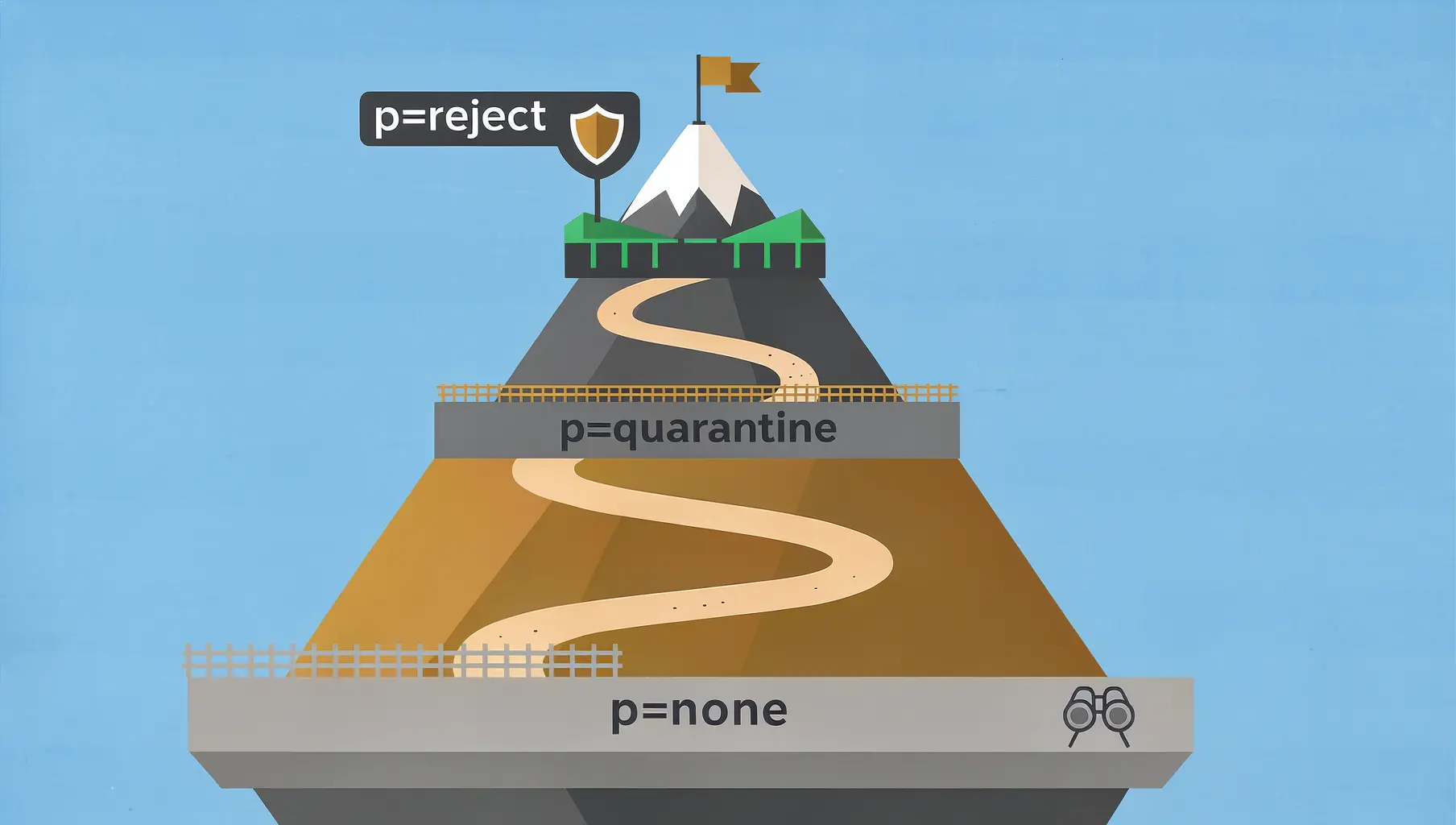
p=none vs p=quarantine vs p=reject: Which to Use
The three DMARC policies control what happens to failing email. Learn when to use each and how to safely progress to enforcement.
Ready to implement this?
Verkh helps you monitor DMARC, identify issues, and reach enforcement. Start free.
Start Free